
For more information on CloudApper AI TimeClock visit our page here.
Manufacturing and warehouse operations run on shift accuracy. When a line worker punches in ten minutes early across five facilities, that rounding error quietly adds up to thousands in unnecessary labor cost by month-end. Most HR teams using Workday WFM know this problem well — they just don’t always know there’s a fix that doesn’t require replacing their entire time-tracking setup.
The issue isn’t Workday itself. Workday’s native mobile time tracking does support geofencing through the app, but that model depends on every worker clocking in on a personal smartphone. On a warehouse floor or in a manufacturing plant, that’s rarely how it works. Workers share kiosks. Devices aren’t always personal. Connectivity can be spotty near equipment or in loading bays. The native approach breaks down exactly where it’s needed most.
Where Buddy Punching Actually Happens
In manufacturing environments, buddy punching isn’t just a payroll inconvenience — it’s a compliance risk. If a worker clocks in for a colleague who hasn’t arrived yet, that punch goes into Workday as legitimate. Supervisors reviewing time cards are checking hundreds of entries; they can’t verify location on every one.
The same problem compounds across multiple sites. A regional HR team managing three or four facilities has no practical way to confirm whether a punch from Site B came from someone physically on that floor, or from the parking lot, or from somewhere else entirely.
A geofencing time clock for Workday solves this at the hardware layer, not the policy layer. The clock itself only accepts punches from within a defined perimeter. No geofence match, no punch. That’s not a rule employees can forget to follow — it’s a technical constraint built into the device.
Why CloudApper AI TimeClock Works for This Environment
CloudApper AI TimeClock for Workday turns any standard iOS or Android tablet into a geofencing-enabled time clock that syncs directly with Workday WFM. For manufacturing and warehouse teams, that matters for a few concrete reasons.
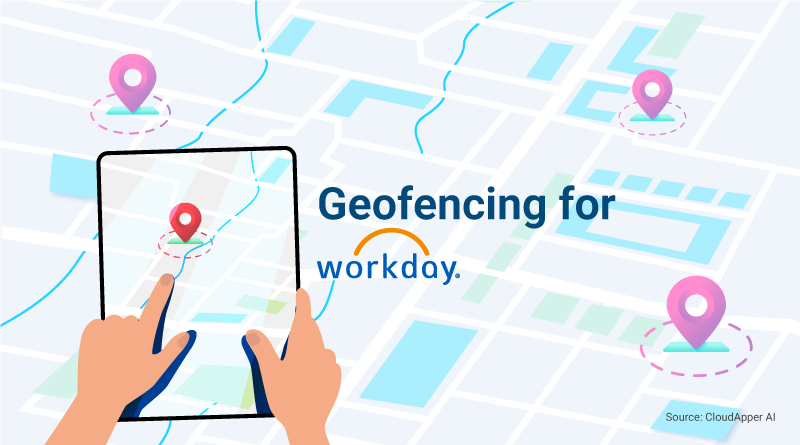
First, setup is simple. You drop a pin on a digital map, set the boundary radius, and the device enforces it. No IT project required. Second, it works offline — which matters when workers are punching in from a warehouse corner with inconsistent Wi-Fi. Punches queue and sync when connectivity resumes. Third, it combines geofencing with biometric face recognition, so you get location verification and identity verification at the same time.
The result is that every punch hitting Workday came from a real person, in the right location, at the recorded time. Payroll accuracy improves. Compliance exposure shrinks. HR spends less time auditing discrepancies and more time on work that actually requires their judgment.
For a deeper look at how geofencing works within Workday WFM and why it matters beyond manufacturing, the original guide — Why Workday WFM Users Need Geofencing and How to Get It with Ease — covers the full picture.
If your team is running Workday across multiple facilities and still chasing down punch discrepancies manually, the right geofencing time clock makes that problem go away without a platform migration or a long implementation cycle. It’s a tablet, a defined boundary, and a direct integration. That’s it.

 Lose weight