
For more information on CloudApper AI TimeClock visit our page here.
Most Workday time clock articles talk about face ID and saving money on hardware. That’s fine, but it misses what actually slows down payroll in a manufacturing environment: workers moving between job codes mid-shift, plants with different overtime rules, and hazard pay zones that standard clocks simply don’t understand.
If you run a multi-site manufacturing operation on Workday and your current time clock can’t capture a job transfer without a manager stepping in, this article is for you.
The Real Problem Isn’t Clock-In. It’s What Happens After.
A factory worker punches in at 6 AM. By 9 AM they’ve moved from Assembly Line A to a Hazard Zone. At 2 PM they’re pulled onto a weekend-rate project. If your time clock just captured a clock-in, your payroll team has to sort the rest out manually — or get it wrong.
Standard kiosks handle the punch. They don’t handle the context. That’s the gap.
What a Truly Custom Time Clock Does Differently
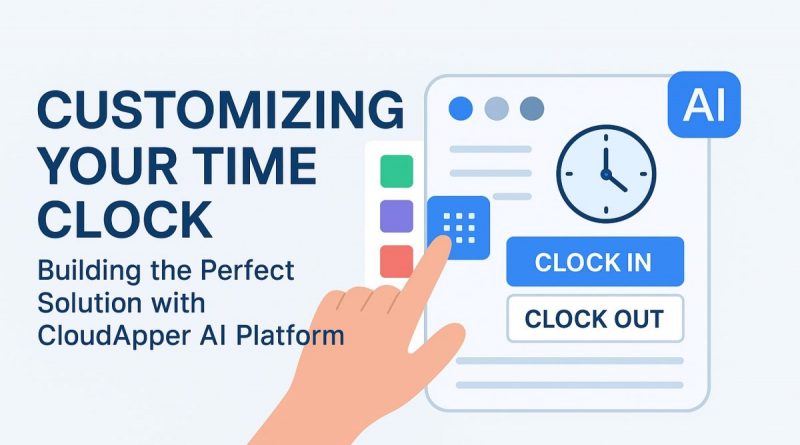
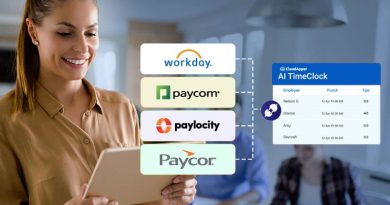
CloudApper AI TimeClock is built on the CloudApper AI Platform, which means the punch interface itself is configurable — not just the settings behind it. For manufacturing operations on Workday, that changes a lot:
Job code capture at every punch. Workers can select a cost center, project code, or machine ID when they clock in or transfer. That data flows directly into Workday, so labor costs hit the right line without corrections.
Site-specific pay rules. Plant A runs California break law compliance. Plant B has daily overtime after 10 hours. Plant C has a union agreement. Each location gets its own rule set, enforced automatically at the point of punch — not reconstructed after the fact by payroll.
Hazard pay triggers. When a worker punches into a designated zone, the system logs it with the right pay code. No manual flags, no after-the-fact adjustments.
Offline mode. Production floors lose connectivity. Punches store securely on-device and sync to Workday when connection resumes. No missed records, no “we think she clocked out around 3.”
These aren’t nice-to-have options. For a plant running two shifts across four states, they’re the difference between a clean payroll run and a Friday night scramble.
Why “Configurable” Matters More Than “Compatible”
Most Workday-compatible time clocks are compatible in the narrow sense — they push punch data to the right API. But they can’t be reconfigured when your operations change. New union agreement? New hazard zone? New plant acquired with different rules? You’re filing a support ticket and waiting.
Because CloudApper AI TimeClock is built on a no-code AI platform, your team can modify the punch interface, add new data capture fields, or adjust workflow logic without a development project. A manufacturer detailed in the source article cut payroll processing time by 35% and hit zero compliance issues within 90 days of deployment — using exactly this kind of customization.
How to Actually Adopt This for Your Workday System
Getting started doesn’t require a months-long IT project. Here’s the practical path:
- Audit your punch exceptions. Pull last quarter’s payroll corrections. Most of them will trace back to missed job codes, wrong pay rates, or manual overtime adjustments. That list is your configuration spec.
- Map your plant rules. Document every location’s overtime threshold, break policy, and any hazard or premium pay zones. These become the automated rules in CloudApper.
- Connect to Workday via pre-built API. CloudApper ships with a native Workday integration. Setup takes days, not months.
- Run a single-plant pilot. Pick the site with the most payroll exceptions. Go live there first, validate the logic, then roll out.
- Let the data do the rest. After a pay period or two, compare correction volume before and after. That number makes the ROI case internally.
The Hardware Piece
CloudApper runs on any iOS or Android tablet. You’re not buying proprietary kiosks or waiting for certified hardware. Mount an existing iPad in the break room, set up the app, and you have a fully functional, Workday-connected time clock with job costing and pay rule enforcement built in.
For a manufacturing environment with 200 workers across three plants, that difference in hardware cost alone is worth running the numbers on.
If your Workday time tracking still relies on manual corrections to sort out what actually happened on the floor, the tool — not the process — is the problem. A custom time clock built to understand manufacturing workflows fixes that at the source.
See how CloudApper AI TimeClock works →
 Lose weight